Visitor Management System for Microsoft Teams
Manage visitor calls and check-in notifications directly from Teams.
ALICE integrates with Microsoft Teams so visitor notifications and calls go directly into Teams from the ALICE kiosk.
Looking for a visitor management system that works with Microsoft Teams?
ALICE Receptionist reduces front desk complexity by connecting visitor workflows to Microsoft Teams while keeping administration centralized. Employee directories stay up-to-date, notifications and front desk calls reach your staff in their Teams app, and visitor activity is automatically logged—without manual updates or extra tools.
Microsoft Teams handles communication with your team while ALICE Receptionist handles visitor management and administration.
How Microsoft Teams Integration Works with ALICE Receptionist

Visitors Check In
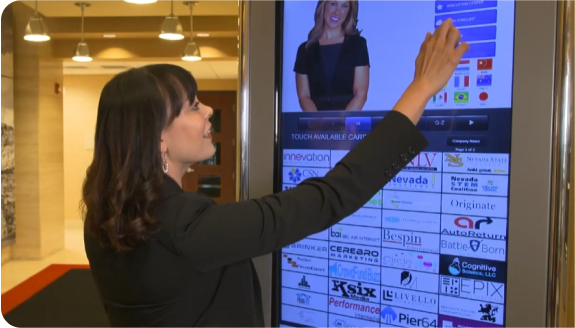
Walk-in visitors check in at the ALICE kiosk on arrival, or can be pre-registered through calendar appointments scheduled in Microsoft Teams.

ALICE Routes the Visitor
ALICE connects visitors to the correct host, team, or department using directory information connected with Active Directory.

Teams Notifies the Right People
Hosts or Teams channels receive real-time notifications and phone calls from the front desk directly in the Microsoft Teams app.

Visits Are Logged Automatically
ALICE records arrivals, responses, and outcomes, keeping visitor activity visible and auditable without manual follow-up.



“I would highly recommend the ALICE system because we were able to accomplish what we wanted to do and it works perfectly. We’re a highly technical facility and reception is one of the tasks that we’ve automated. It’s been great to have been able to do this.”
– Mike Van Meerten, IT Director, Meissner Filtration Products, Inc.
Beyond Teams: A Complete Visitor Management System for Check-In, Security, and Reporting
Microsoft Teams handles communication. ALICE Receptionist manages the entire visitor experience—from arrival to departure.

Proactive, Professional Greetings
Every visitor is welcomed and guided by your customizable AI, delivering consistent messaging and clear direction based on your organization’s needs.

Make Informed Decisions
Track visitor traffic, activity, and trends to make informed decisions about staffing, security, and visitor services.

Flexible, Future-Proof Systems
ALICE adapts as your organization grows, supporting multi-site deployments and configurable workflows across teams and locations.

Secures Your Workplace
Verify visitor identity with driver’s license scans and automatically screen guests against government and private watchlists.
Award-Winning Visitor Management Solutions
ALICE Receptionist has been recognized in independent studies, industry publications and customer satisfaction rankings. Click on the award icon below to learn more about these specific awards.

Frequently Asked Questions
Below are the most common questions about Teams-based visitor management and how ALICE works.
ALICE integrates with Microsoft Teams so visitor notifications and calls go directly into Teams from the ALICE kiosk. When a visitor arrives, hosts can be alerted in Teams and connected directly without logging into a separate application.
No. Employees interact with visitors entirely through Microsoft Teams, with no additional apps or softphones required.
Microsoft Teams can receive real-time visitor notifications such as arrivals, security alerts, and check-outs. Notifications can be sent to individual users or Teams channels based on your workflow.
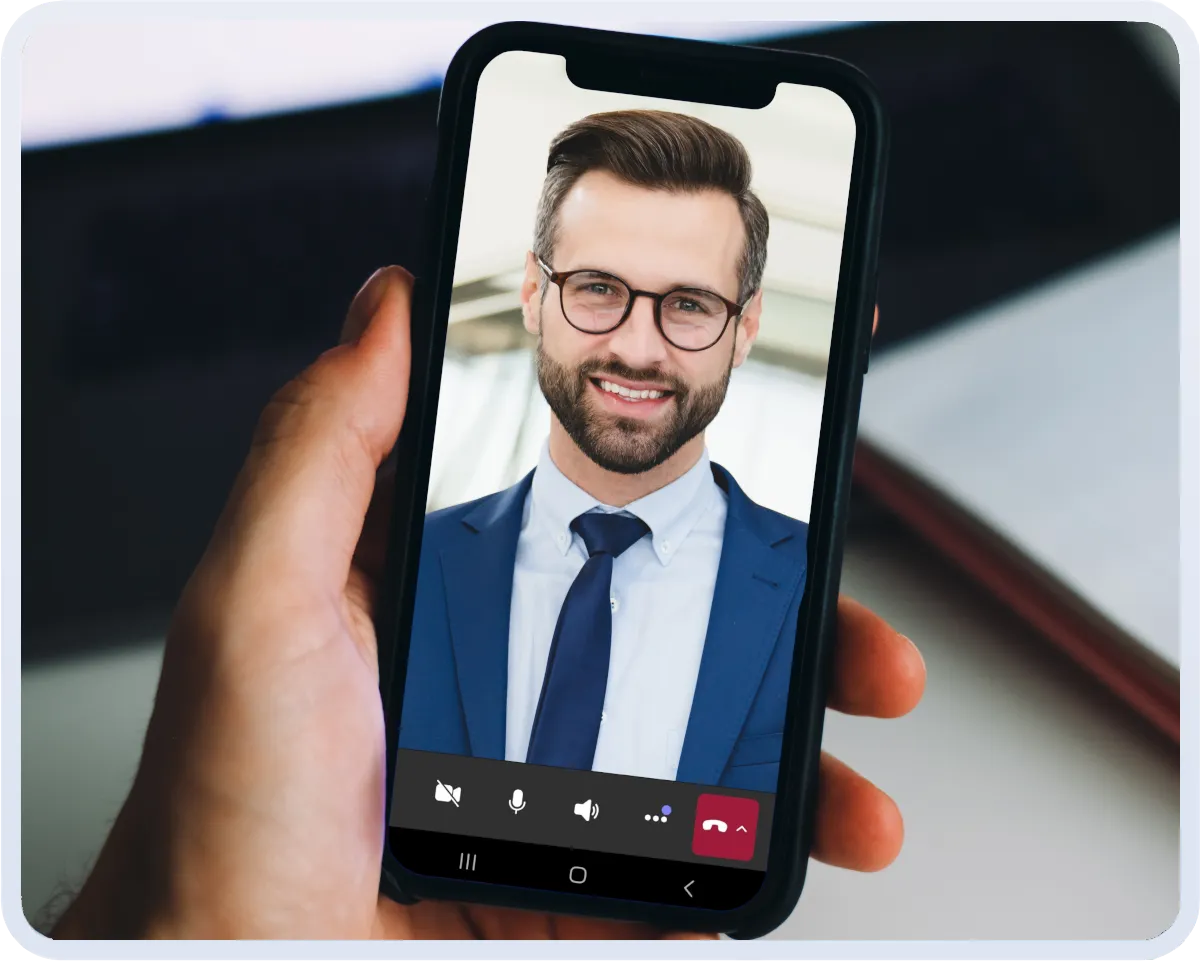
Yes. Visitors can place two-way video calls from the ALICE kiosk. Employees can use the Teams application like any other call, including utilizing features like background blur and mute controls.
Directory syncing keeps employee information aligned with Active Directory, so visitors are routed correctly. This eliminates manual directory updates and outdated listing errors.
Yes. Hosts can schedule visitor appointments that sync with their calendar, allowing guests to pre-register, receive QR codes, and check in quickly upon arrival.
Yes. ALICE supports multi-location deployments with site-specific workflows, Teams-based notifications, and centralized visitor management across offices or facilities.
Yes. Visitor notifications can also be delivered via email, SMS, or other supported integrations to accommodate different roles and preferences.
Most organizations enable Microsoft Teams integration as part of their standard ALICE deployment. Setup time varies by environment, and configuration is guided by the ALICE team.
A Microsoft Teams visitor management system is typically a third-party solution that extends Teams with visitor workflows. ALICE Receptionist integrates with Microsoft Teams rather than replacing or modifying Microsoft’s native features.

Book My Demo
See How ALICE Receptionist Works with Microsoft Teams
Book a demo to see how ALICE integrates with Microsoft Teams to streamline visitor management and front desk communication.
Select a date to schedule your personalized demo.