July 29, 2026
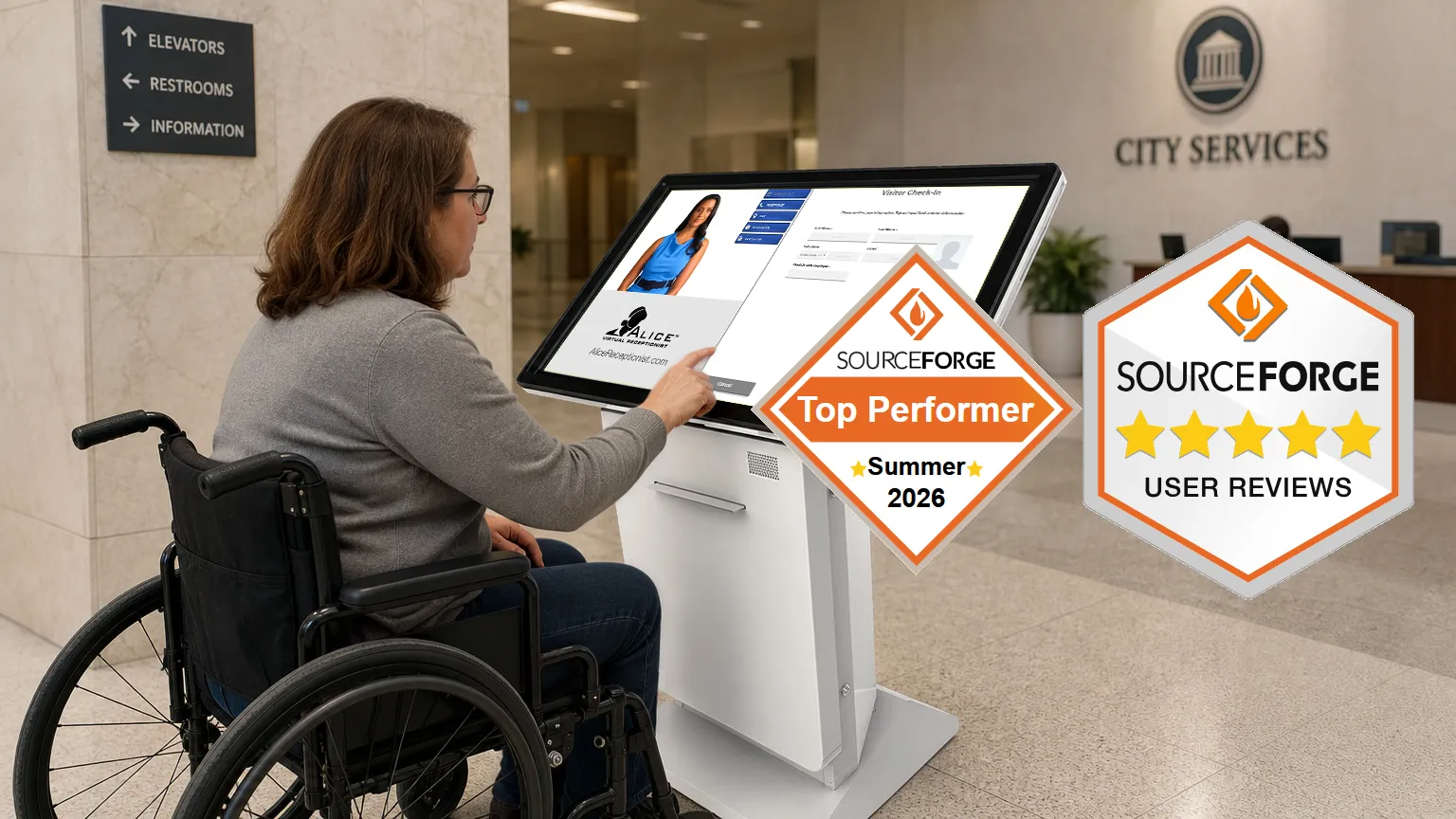
ALICE Receptionist Wins SourceForge Top Performer Award
ALICE Receptionist wins the Summer 2026 Top Performer award from […]
Read More… from ALICE Receptionist Wins SourceForge Top Performer Award

Deliver discreet, secure, and professional check-in while automating your front desk
ALICE Receptionist is an automated receptionist system built specifically for law firms and legal offices. Whether clients are arriving for a consultation or a scheduled meeting, ALICE handles self-check-in, staff notifications, and automatic badge printing. When live assistance is needed, two-way video calls connect clients directly to your team, with an optional handset add-on for private audio.
See how ALICE greets, registers, and interacts with visitors.
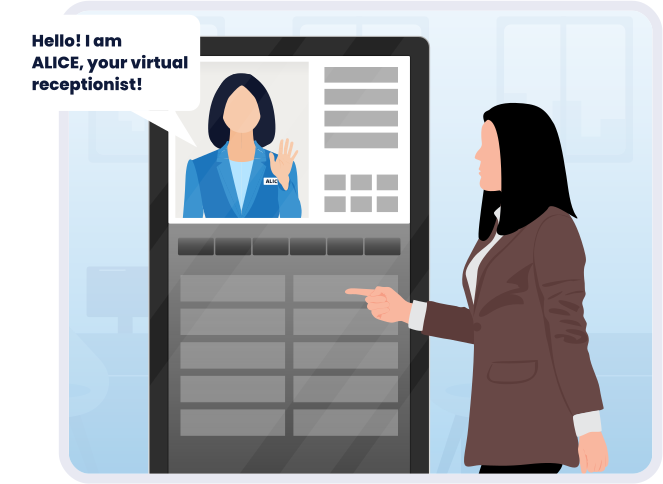
ALICE delivers a consistent, polished greeting that reflects your firm’s standards every time. As a result, clients feel confident they’re in the right place, even when staff are busy.
Because every firm has different intake needs, ALICE uses configurable data fields and optional prompts to track visitor traffic your way. The result is fewer missed or delayed meetings, more flexible workflows, and sensitive details that stay out of lobby conversations entirely.

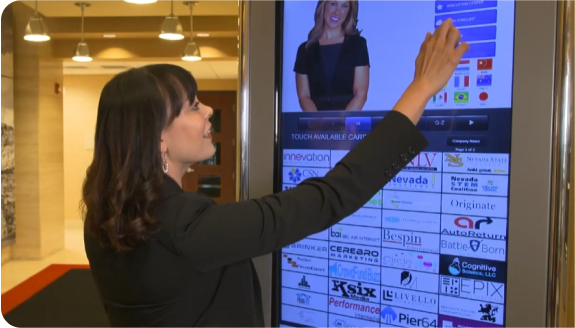

“There are two big reasons why I am satisfied with ALICE. First, WinTech itself is a great team. They care and they want things to be done right and they want the customer to be happy. The second reason is the flow when you are actually using ALICE. It’s very easy. You don’t have to stand there and try and figure out what you’re supposed to do. It’s very user-friendly and makes us look great.”
– Hobie Sheeder, Vice President Real Estate and Workplace Services, TiVO
By automating routine arrival tasks including check-in, directions, notifications, and visitor logs, ALICE reduces front desk bottlenecks so attorneys and staff can focus on client work rather than managing arrivals.
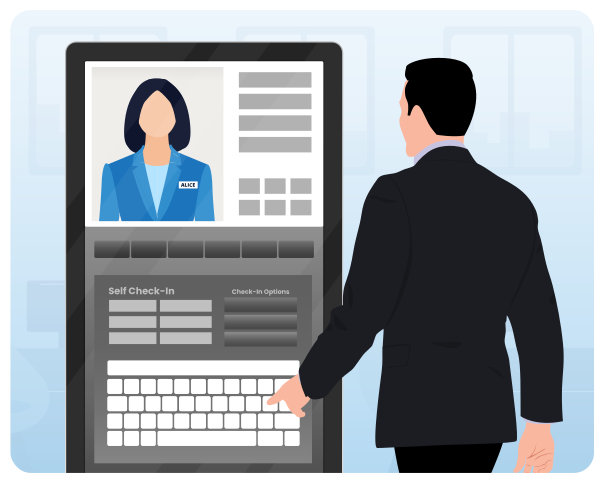
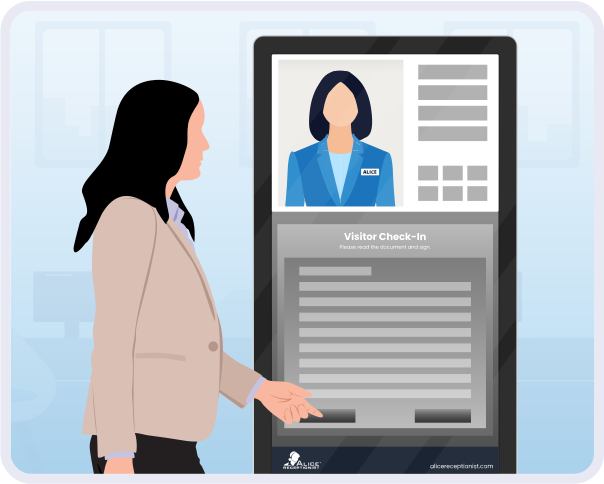
Maintaining a controlled intake process is easier when the system does the work. ALICE supports secure check-in flows, optional identity verification, and real-time staff notifications to keep your team informed at every step. Because visitor logs are maintained automatically with each arrival, firms get a reliable record without any manual tracking.

Based on internal data and independent reviews from InfoTech Research Group
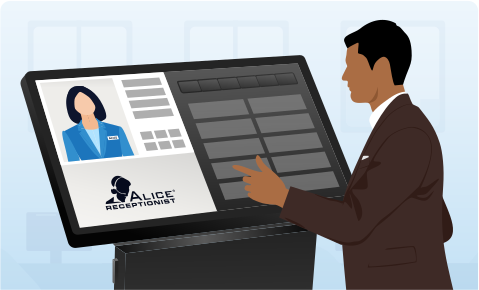
ALICE Front Desk uses motion detection to detect when visitors arrive, welcomes them with your organization’s custom greeting, and connects visitors with the right employee via audio or video call.
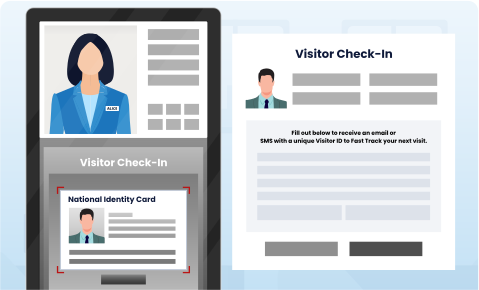
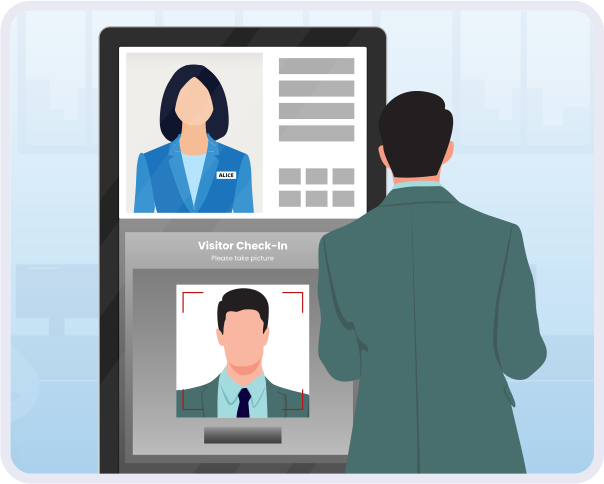
ALICE’s Visitor Management system facilitates the visitor sign-in process, conducts any necessary screening and ID verification, prints visitor badges, and sends instant notifications to alert employees of a visitor’s arrival.
Overall Capterra rating: 4.5 out of 5 stars across 39 verified reviews.

Colton W.

“This was impactful for us because we were able to cut the costs of an entire reception. ALICE serves its job well and provides a fairly easy start-to-finish solution for clients to reach the people they are wanting to get ahold of when they enter the building.”

Erin S.
“ALICE makes the whole visitor to the building experience better for all! It helps us narrow down their needs quicker and allows us still welcome in person guests while not having to take shifts in the lobby watching for the door. A life changer!”

Firdaus J.
“I love that we do not have to have someone staff the front desk which would take time away [from] other work that could be done. I also like that guests can reach their point of contact directly.”

Steve G.
“Exactly what we were looking for. Very easy to set-up, great support; meets all of our operational needs.”
Features

Clients are guided through each step of the registration process, resulting in a clearer and more consistent arrival experience.

To help your team stay ahead of potential issues, ALICE supports optional identity verification, watch-list screening, and custom questionnaires.

Because clients can pre-register before they arrive, scheduled visits move faster. Microsoft Teams and Google Calendar integration keeps everything connected.

Before clients complete check-in, ALICE can present confidentiality notices and office policies for acknowledgement and signature, so nothing is missed.

For returning or pre-registered visitors, QR code scanning and pre-check-in options speed up arrivals without requiring staff involvement.

As soon as a client completes check-in, the right attorney, paralegal, or staff member is notified instantly.

Once check-in is complete, ALICE can print a badge to clearly identify the visitor, helping your team maintain a secure and organized office.

Book a Discovery Call
Discover how ALICE’s virtual receptionist for law firms can enhance your client experience, improve efficiency, and reduce costs.
Select a date to schedule your personalized demo.
Use Cases

When a client arrives, ALICE checks them in and notifies the right staff member immediately, so meetings start on time without anyone waiting at the front desk.

Because structured check-in replaces verbal exchanges at the front desk, clients don’t need to announce who they are or why they’re visiting. For calls from the kiosk, an optional handset add-on provides an additional layer of audio privacy.

When your firm operates across multiple locations, consistency matters. ALICE standardizes check-in workflows and centralizes data collection so every office runs the same way.
Industry Success Story

Differentiators
ALICE greets clients as soon as they arrive and provides clear on-screen instructions, reducing uncertainty and eliminating the need for visitors to ask questions at the front desk. This creates a calm, professional first impression every time.
Automatic routing and real-time notifications ensure the right attorney or staff member is alerted when a client arrives without questions or staff interruptions. As a result, attorneys stay focused, and meetings start on time.
ALICE supports the structured workflows common in legal environments with configurable check-in flows, customizable on-screen language, and reliable visitor logs that align with internal policies and professional expectations. ALICE Receptionist has been recognized as a SoftwareReviews Data Quadrant Champion and holds a 4.5-star rating on Capterra, reflecting consistent satisfaction across professional services deployments.
Maintaining a consistent front desk experience across locations is straightforward with ALICE’s centralized configuration. Because updates to check-in flows, on-screen language, and notification routing apply across all offices at once, there’s no need to rebuild settings location by location. For firms that are actively growing, that consistency scales automatically from day one.
The Thomas Network at Thomasnet.com is the industry’s largest product sourcing and supplier selection platform, with information on over 500,000 North American suppliers and more than 6 million products.
Blog
ALICE Receptionist wins the Summer 2026 Top Performer award from […]
Read More… from ALICE Receptionist Wins SourceForge Top Performer Award
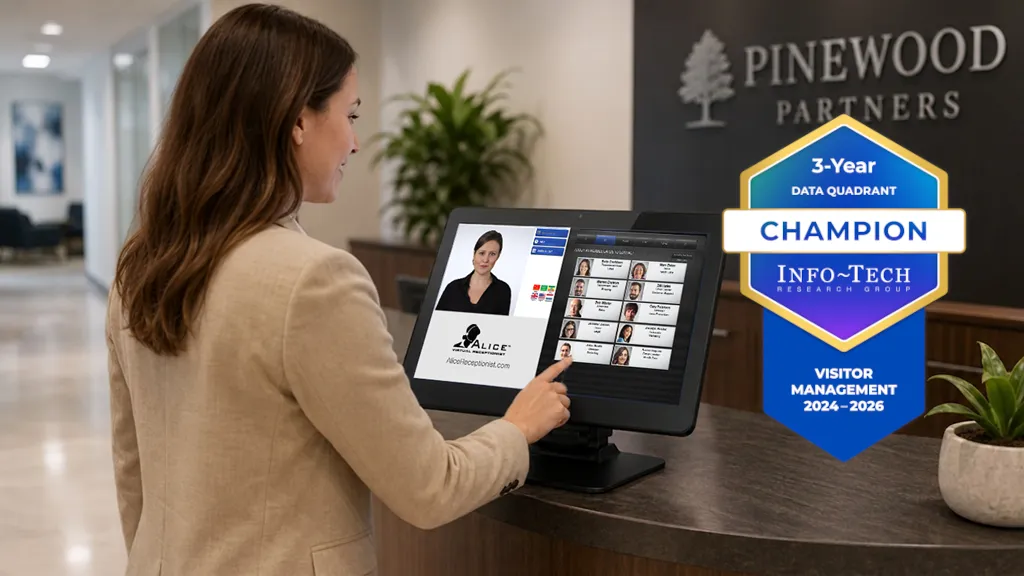
ALICE Receptionist is a 3-time Champion in the SoftwareReviews Visitor […]
Read More… from ALICE Receptionist Is Now a 3-Time SoftwareReviews Champion
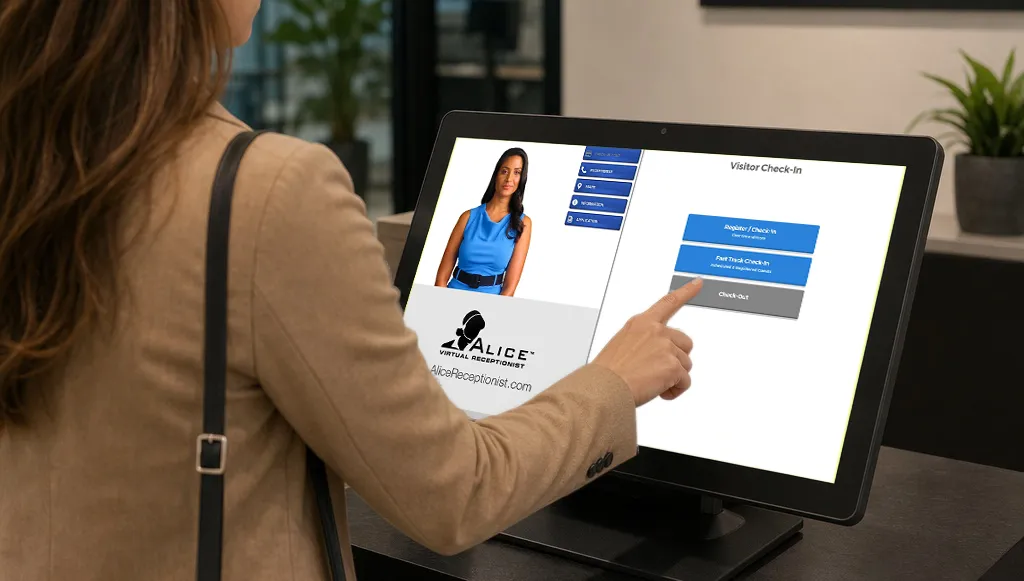
A visitor check-in kiosk is a touchscreen system placed at […]
A virtual receptionist provides a digital front desk experience that helps law firms greet clients, manage check-in, and notify staff automatically, without relying on a full-time, in-person receptionist. ALICE supports structured, professional client arrivals while reducing front desk interruptions.
ALICE reduces the need for verbal exchanges at the front desk by guiding clients through check-in with clear on-screen prompts. Visitors don’t need to announce who they are or why they’re visiting, helping limit lobby conversations and maintain a professional environment.
When live assistance is needed at the kiosk, ALICE supports two-way video calls. For added discretion during these interactions, the ALICE Lincoln kiosks’ optional handset add-on provides greater privacy.
Yes. ALICE automatically notifies the appropriate attorney, paralegal, or staff member the moment a client completes check-in, helping meetings start on time and reducing interruptions.
Yes. ALICE maintains visitor logs that document arrivals and support consistent intake processes. These logs can help firms align with internal policies and reporting needs.
ALICE works well for small and growing law firms and multi-office organizations alike. It provides a professional front desk experience without adding headcount and supports standardized workflows across one or many locations.