Create a Calm, Consistent Check-In Experience, Even During Peak Hours
Patient Check-In & Front Desk Automation for Clinics & Outpatient Centers
A practical use case for improving the patient check-in process

The Challenge
For patient services teams, the arrival experience sets the tone for care.
Patients often arrive with questions, paperwork, and stress. Meanwhile, front desk teams manage high patient volumes, changing staffing coverage, and constant administrative demands. It’s hard to keep check-ins calm and consistent during peak hours.
Without a consistent check-in process, organizations risk:
- Confusion in the lobby and avoidable delays
- Incomplete or inconsistent information capture
- Disruptions to staff work and increased patient anxiety
- A check-in experience that feels different by location, shift, or staffing level
Healthcare organizations need a check-in experience that is welcoming, clear, and reliable without adding burden to already-stretched teams.
The Scenario
In a typical clinic or outpatient setting:
- Arrival volume spikes in predictable windows
- Staffing coverage varies across shifts and locations
- Patient services teams need a consistent patient check-in workflow
Some organizations start by standardizing patient check-in steps. Others focus on reducing lobby bottlenecks and improving staff notifications. Many expand over time as they add clinics, providers, or service lines.
What they share is a need for consistent instructions, smooth patient flow, and reduced front-desk friction.

The Solution
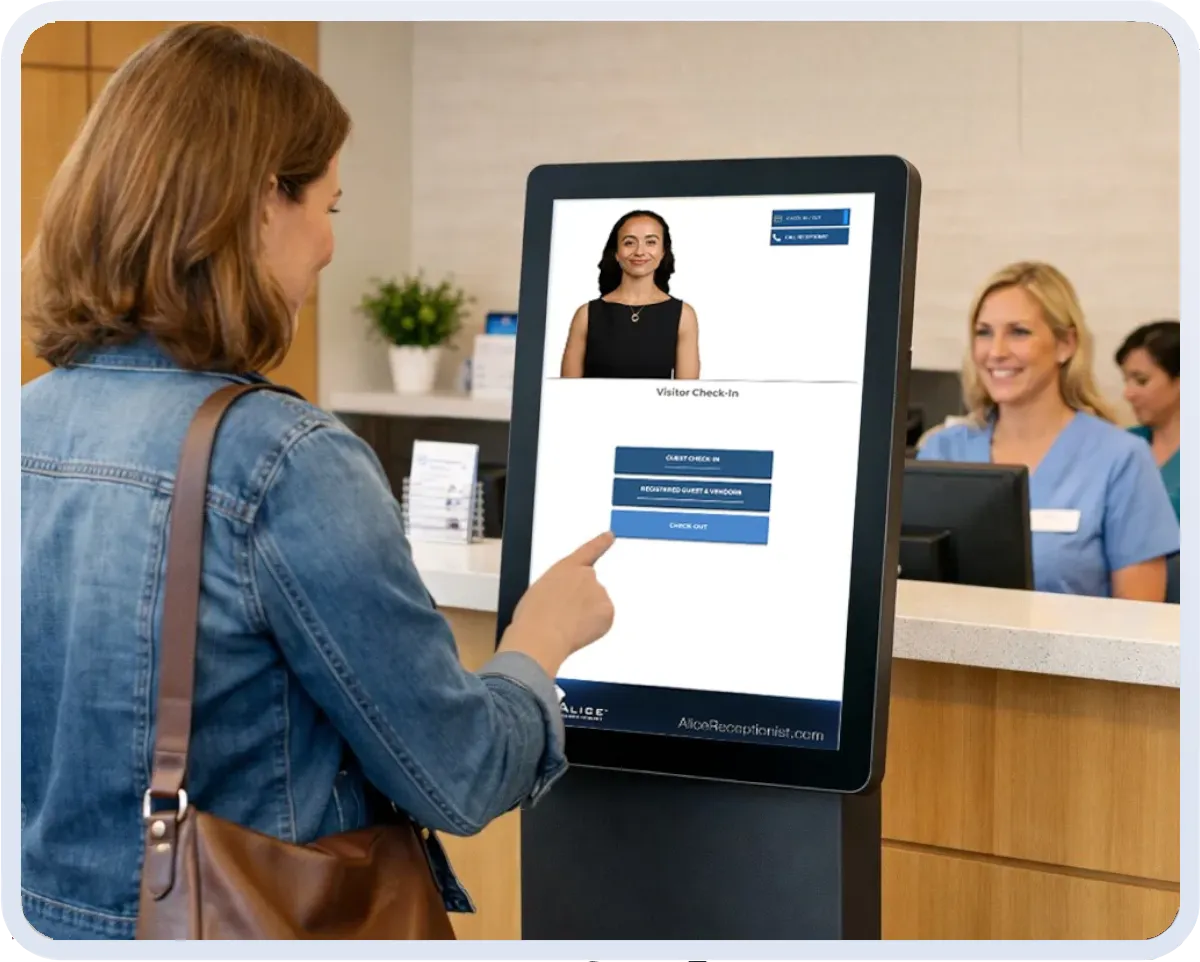
Patient services teams implement ALICE to deliver patient self-service check-in with a guided, standardized experience that improves patient flow.
Organizations adopt one or more capabilities based on their needs:
Automated Patient Check-In
- A proactive, welcoming greeting as soon as a patient arrives
- Clear, step-by-step prompts so patients always know what to do next
- Custom fields and questionnaires to collect only what you need
Staff Notifications & Patient Dashboard
- Automatic notifications when patients arrive
- Real-time access to arrivals and check-in status
- Smoother handoffs from lobby to clinical teams
Consistent Workflows Across Locations
- Standardize check-in steps, messaging, and directories across clinics
- Centralize oversight to reduce training burden and maintain alignment
- Adapt workflows to location needs while keeping the experience consistent
Together, these capabilities create a check-in process that is predictable for patients and easier for staff, especially during busy periods.
The Outcome
Across patient services teams using ALICE for check-in, organizations commonly report:
- A calmer lobby experience with fewer “What do I do next?” moments
- More consistent information capture and fewer manual handoffs
- Improved patient flow during peak arrival windows
- Reduced front desk strain, focusing staff on patients who need direct help
- Standardized experiences across multiple clinics and offices
When check-in is consistent, teams spend less time managing the lobby and more time supporting patient care, improving the patient check-in experience.


Why ALICE for Patient Services
ALICE helps teams standardize the patient check-in process while reducing front-desk strain during peak arrival windows.
- Welcoming – Sets a supportive tone at arrival with a proactive greeting
- Consistent – Delivers clear instructions and standardized steps every time
- Automated – Reduces repetitive tasks and front desk workload
- Informative – Provides teams real-time arrivals and check-in statuses
- Scalable – Maintains consistency as locations and staffing change
Patient services teams don’t need to overhaul their operations. They simply establish a reliable check-in process that keeps care moving.


12+
years serving healthcare organizations

21
states and counting

97%
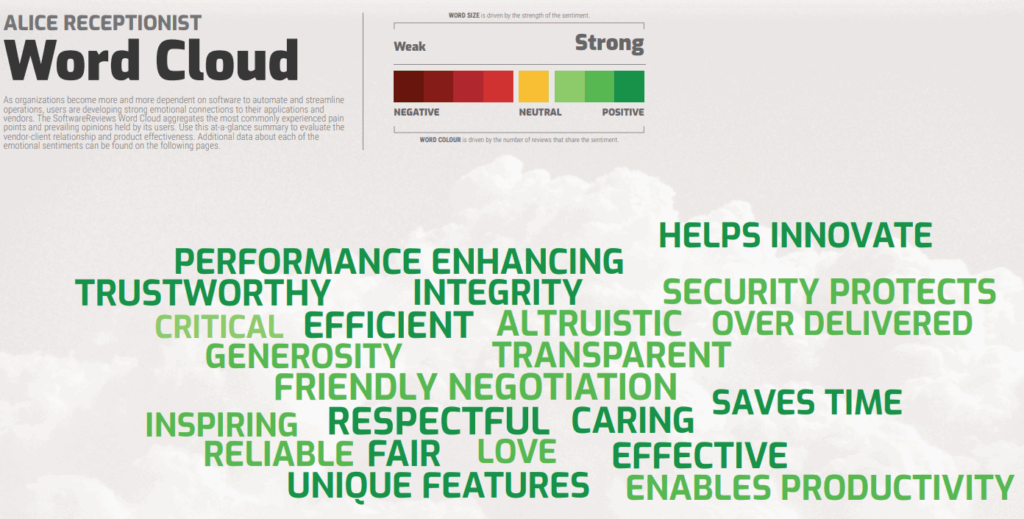
find ALICE saves time and enables productivity

92%
of customers are likely to recommend ALICE

Try ALICE Receptionist for Free
We offer various options to try ALICE Receptionist. Contact us to learn more about creating a better, smarter way to manage your office visitor flow.
Frequently Asked Questions
Patient check-in kiosks are most often placed in the main entry/lobby area, either next to the front desk or just before it, so patients see them immediately upon arrival. Clinics typically position kiosks to maintain a smooth queue, allow staff to assist when needed, and provide sufficient privacy.
Yes. ALICE supports patient check-in even when staffing levels fluctuate. Patients receive clear instructions at arrival, and staff are notified automatically when check-in is complete.
Yes. ALICE is designed to standardize check-in workflows across locations while allowing site-specific configuration. This helps organizations maintain a consistent patient experience as they scale.
Organizations can collect only the information they need, such as basic patient details, visit confirmation, or custom questionnaires. Fields and prompts are configurable based on operational requirements.
Yes. Many clinics use kiosks to support self-service check-in, while front-desk staff remain available to assist patients. This helps reduce lines and interruptions without removing the human presence entirely.
Most patient check-in kiosk implementations take 4–6 weeks, depending on the hardware selected. This timeline includes configuration, testing, and deployment to ensure a smooth experience for patients and staff.