Table of contents
- Why lobby security is the most overlooked risk in your building
- The four most common lobby security vulnerabilities
- What to look for in a building lobby security system
- Secure your lobby without the staffing overhead.
- Frequently Asked Questions
- How do I secure a building lobby without a full-time receptionist?
- What is visitor watchlist screening and do I need it?
- What is the difference between visitor management and access control?
- How do visitor badges improve building security?
- Can a visitor management system integrate with our existing security infrastructure?
- Ready to secure your lobby?
Your lobby is the most vulnerable point in your building. It is where unauthorized access begins, where compliance gaps form, and where first impressions are made simultaneously. For facility managers and security directors, knowing how to secure a building lobby means layering the right controls so that a gap in one area is caught by another.
This guide walks through the most common lobby security vulnerabilities, the layered approach that addresses them, and the technology making it easier to maintain full coverage without adding headcount.
Why lobby security is the most overlooked risk in your building
Most organizations invest heavily in perimeter security, access control systems, and cybersecurity. The lobby often gets less attention, despite being the first point of contact for every visitor, vendor, contractor, and delivery that enters your facility.
A poorly secured lobby creates compounding risks: unauthorized individuals gain physical access, visitor records are incomplete or inaccurate, compliance requirements go unmet, and staff are put in difficult positions when they need to screen or turn away visitors. These are not theoretical problems. They show up in audit reports, incident reviews, and liability claims.
Most lobby security gaps are addressable with the right combination of process and technology. Modern building security visitor management systems have made that combination significantly easier to deploy than it was even a few years ago. In one multi-site deployment, automated visitor management reduced staff-assisted check-ins by 80% across more than 94,000 visits in the first year — a result that reflects what well-implemented lobby security can deliver at scale.
The four most common lobby security vulnerabilities
Before choosing a solution, it helps to understand where most buildings fall short. The vulnerabilities below are common across industries and building types, and each one is addressable with the right system in place.
- No visitor identity verification. Paper sign-in sheets and verbal check-ins provide no reliable way to confirm who someone actually is or flag individuals against security databases.
- Incomplete visitor logs. Manual records are inconsistent, difficult to search, and rarely capture the detail required for compliance audits or incident investigations.
- Unstaffed or under-staffed reception. Staff absences, busy periods, or cost reduction can leave the lobby unmonitored, allowing visitors to enter unchecked.
- No screening against threat databases. Without automated screening, restricted individuals can walk through your lobby unchallenged. Manual watchlist checks are too slow and unreliable to fill that gap at scale.
How to secure your building lobby: a layered approach
Effective lobby security does not depend on a single measure. It requires layered controls that reinforce each other. Here is how to build that stack.
Replace paper sign-in with digital visitor registration
The foundation of lobby security is knowing who is in your building at any given time. Digital visitor management replaces handwritten logs with structured, searchable records. Every visitor entry is timestamped, tied to a specific host, and stored securely. This alone closes most compliance gaps and makes audit responses a matter of minutes rather than hours of digging through binders.
Verify visitor identity at check-in
Digital check-in systems can capture a visitor’s photo, scan a government-issued ID such as a driver’s license, and confirm identity before entry is granted. This creates an accurate, time-stamped record of who physically entered your building and when, and deters individuals who know their identity will be captured and retained.
Screen visitors against watchlists automatically
Automated watchlist screening checks each visitor against the U.S. Consolidated Watch List and custom internal ban lists during the check-in process. When a match is found, designated security staff or administrators are alerted immediately. Visitor authentication is one of the most important controls available in a modern lobby security system.
Issue visitor badges for every entry
Printed visitor badges create a visible layer of accountability throughout your building. Staff can quickly confirm whether someone belongs on-site without having to approach them. Badges can include visitor name, host, date, and time of entry, ensuring visitors from previous days are clearly distinguishable from current ones. Automated badge printing as part of the check-in workflow means this step adds no friction to the process.
Automate host notifications
One of the most common lobby security gaps is the window between a visitor arriving and their host being notified. During this time, visitors may wander, wait without direction, or access areas they should not. Automated host notification via email, SMS, or platforms like Microsoft Teams closes this gap the moment check-in is complete.
Maintain 24/7 coverage without relying entirely on staffing
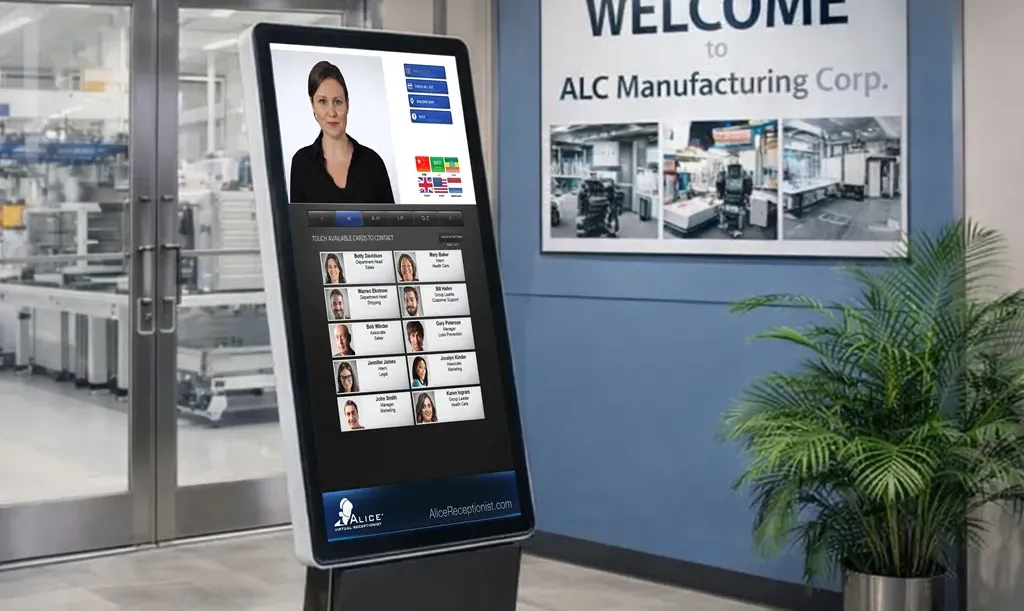
Lobbies are only as secure as their coverage hours. Buildings that rely entirely on reception staff have predictable gaps: lunch breaks, sick leave, after-hours access, and high-volume periods. For facilities that need to manage an unmanned reception area reliably, an automated receptionist system with motion-activated greeting capability ensures that every visitor who enters is acknowledged, prompted to check in, and processed regardless of whether staff are physically present at the desk.
This is a meaningful security distinction. Most visitor management systems are passive and wait for a visitor to approach and initiate. Systems with motion detection proactively engage visitors the moment they enter the lobby. A visitor who is immediately acknowledged is less likely to attempt to bypass the check-in process.
What to look for in a building lobby security system
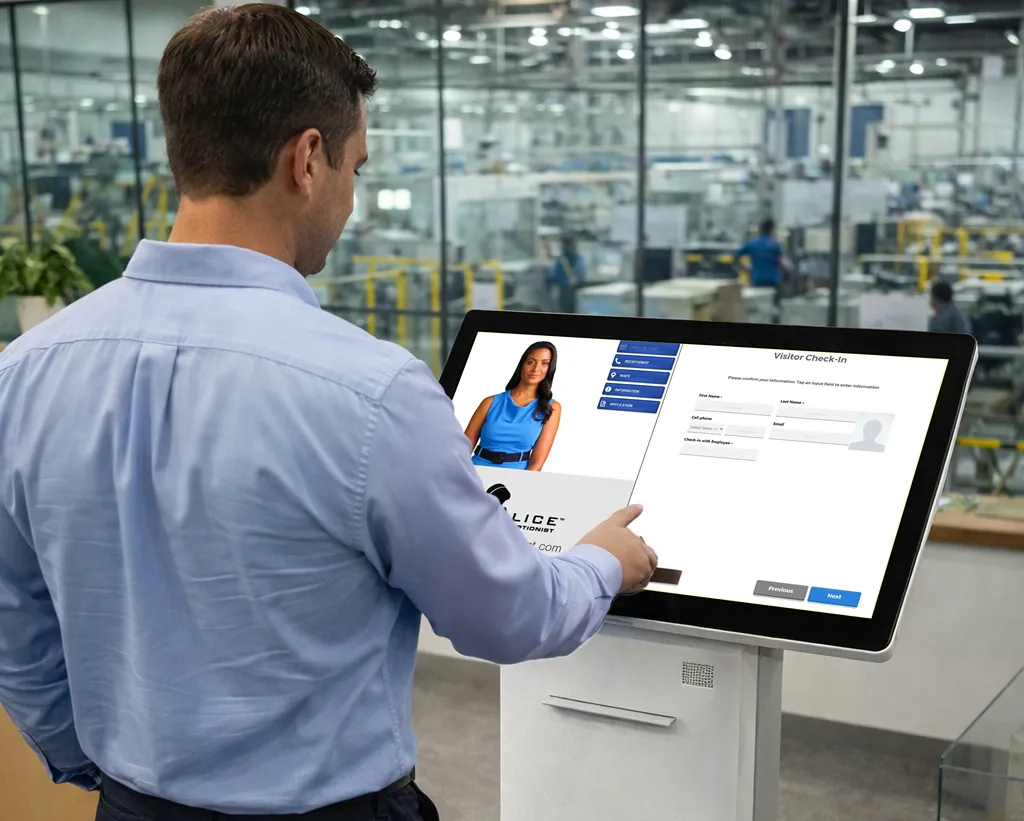
Not all visitor management systems are built for security-first environments. When evaluating building security visitor management options, the capabilities below separate adequate from genuinely secure.
- Automated ID scanning and identity verification at check-in
- Watchlist screening against the U.S. Consolidated Watch List and custom lists
- Instant host notification via email, SMS, or collaboration platforms like Teams and Slack
- Automated badge printing and data collection
- Digital NDA and document signing during check-in
- Motion-activated visitor engagement rather than a passive screen
- 24/7 operation without requiring on-site reception staff
- Searchable, audit-ready visitor logs with timestamps
- ADA-compliant interface with multi-language support
- Integration with access control systems, Microsoft Teams, Azure AD, and Slack
Choosing the right system matters beyond the feature checklist. According to InfoTech’s Software Reviews, 96% of ALICE Receptionist customers intend to renew their subscription — a reflection of how the system performs in real facility environments over time.

Book a Demo
Secure your lobby without the staffing overhead.
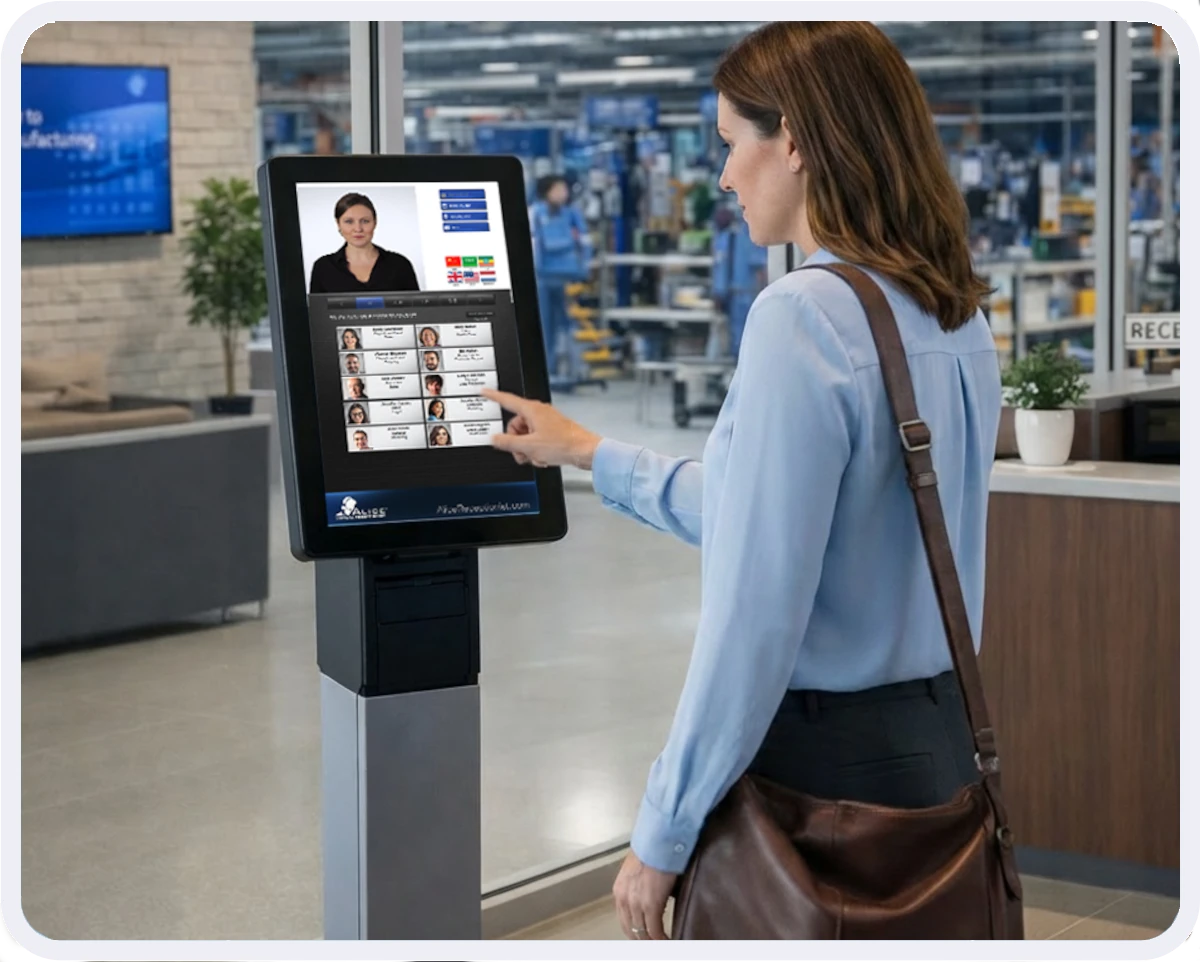
ALICE Receptionist handles visitor check-in, identity verification, watchlist screening, and host notification automatically — 24 hours a day, without a receptionist at the desk. See how building and security teams are closing lobby security gaps without adding headcount.
Book a demo to see ALICE in action.
Frequently Asked Questions
How do I secure a building lobby without a full-time receptionist?
An automated visitor management system with motion detection can handle greeting, check-in, identity verification, watchlist screening, badge printing, and host notification without requiring a receptionist on-site. The system engages visitors proactively and processes them through a structured workflow, maintaining full security coverage 24/7.
What is visitor watchlist screening and do I need it?
Visitor watchlist screening automatically checks each visitor’s identity against security databases, including the U.S. Consolidated Watch List and any custom internal lists your organization maintains, during the check-in process. If a match is found, designated staff are alerted before the visitor is admitted. Any organization with compliance requirements, controlled access areas, or public-facing facilities should treat it as essential rather than optional.
What is the difference between visitor management and access control?
Access control manages physical entry through doors, gates, and elevators using credentials like key cards or PINs. Visitor management handles the identity verification, registration, and tracking of non-credentialed visitors before and during their time in your building. The two systems work best when integrated: visitor management establishes who someone is, access control determines where they are permitted to go.
How do visitor badges improve building security?
Printed visitor badges create a visible, at-a-glance verification method for staff throughout the building. They confirm that a visitor completed the check-in process and identify who they are visiting and who authorized their entry. When every visitor is badged as part of the automated check-in workflow, staff can immediately spot anyone who bypassed the process — making the badge itself a passive deterrent as much as an identification tool.
Can a visitor management system integrate with our existing security infrastructure?
Most modern visitor management systems are designed to integrate with access control platforms, Active Directory, communication tools such as Microsoft Teams and Slack. The depth of integration varies by vendor. Organizations with complex existing infrastructure should confirm specific compatibility before selecting a system.
Ready to secure your lobby?
ALICE Receptionist’s visitor management system handles identity verification, watchlist screening, badge printing, and host notifications automatically. See how facility and security teams are replacing manual lobby processes with an automated system that works around the clock.
Request a demo to see how ALICE can transform your lobby into a true first impression.