Table of contents
- From Paper Logs to Digital Records
- What a Visitor Management System Actually Does
- Proper greetings at all hours of the day.
- Identity gets verified before access does
- Hosts don’t have to guess when someone’s arrived
- Staff quickly identify guests with visitor badges
- Guests find their own way once they’re inside
- The system meets guests in their own language
- Every visit becomes a record instead of a memory
- Why Organizations Adopt a Visitor Management System
- Who Uses Visitor Management Systems
- What to Look for in a Visitor Management System
- The Bottom Line
- See what your front desk looks like without a full-time receptionist.
- Frequently Asked Questions
- What is a visitor management system?
- What is the difference between a visitor management system and a sign-in sheet?
- Is a visitor management system only for large companies?
- Can a visitor management system replace a receptionist entirely?
- Does a visitor management system support multiple languages?
- What industries benefit most from visitor management systems?
A visitor management system is software that greets, checks in, and tracks every guest who walks through your door, usually through a kiosk, tablet, or screen. It replaces the paper sign-in sheet and the staffed front desk with a process that runs on its own, verifying who someone is and letting the right person know they’ve arrived. It also keeps a digital record you can actually search later, instead of a logbook nobody opens again.
Ask yourself how easily your company could answer a simple question right now: who is in the building? Not who was scheduled to come in, but who actually checked in, when, and who they’re there to see. For most organizations without a visitor management system, that answer lives nowhere, or it lives in a logbook that’s more ritual than record. Understanding what a visitor management system actually does is the first step toward closing that gap. That includes knowing how it evolved from that logbook, and what separates a strong system from a weak one.
From Paper Logs to Digital Records
Most organizations still start the same way: a clipboard or logbook sitting at the front desk, quietly accumulating names nobody will ever cross-reference. It captures a name and not much else. There’s no real security behind it, no way to easily search it later, and visitors must rely on a staff member up front to reach their host. A digital visitor management system replaces that clipboard with a process that actually works: it verifies who someone is, lets the right person know they’ve arrived, and keeps a digital record you can search later instead of a logbook nobody opens again.

What a Visitor Management System Actually Does
A modern system does a lot more than log who’s coming and going. It manages the visitor’s experience from the moment they walk in.
Proper greetings at all hours of the day.
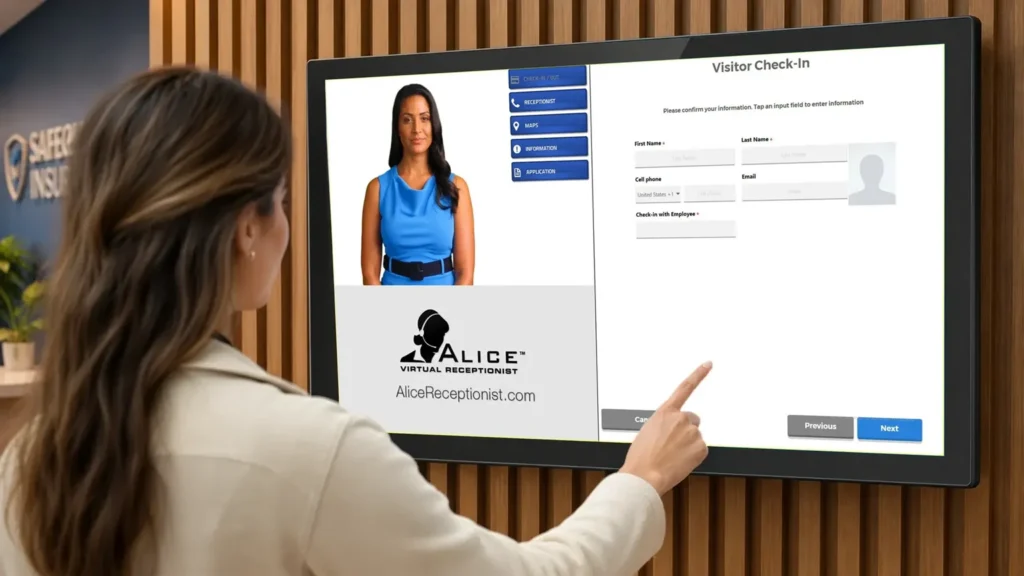
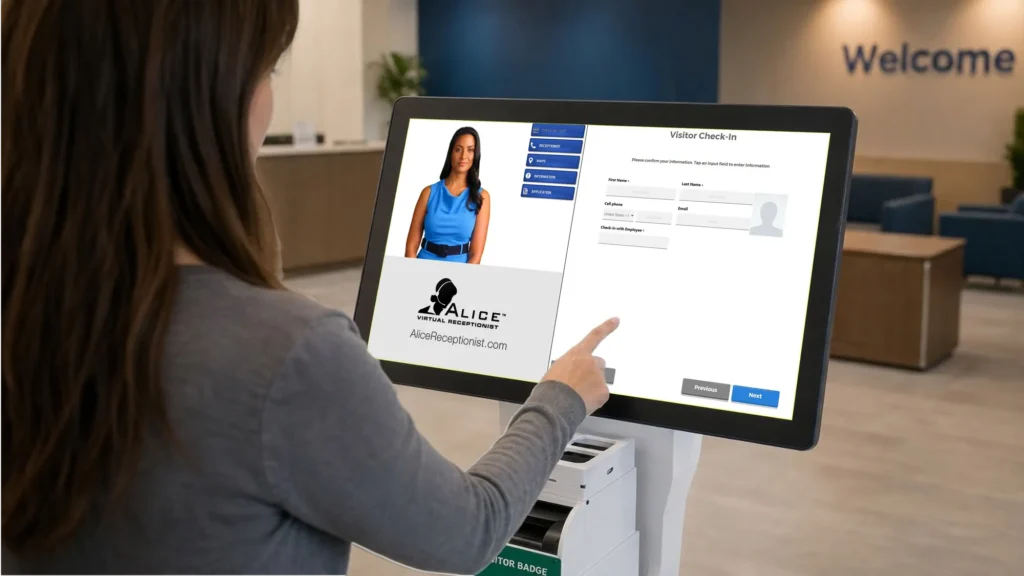
Rather than waiting for a visitor to notice the check-in system, the system notices them first. A branded avatar or a custom greeting welcomes them to your organization immediately, whether it’s the middle of a busy afternoon or during a lunch break. From there, the avatar walks them through what to do next: checking in, providing information, or connecting them directly to the host or department they’re there to see.
Identity gets verified before access does
Many systems can scan a photo ID and check a guest against internal or external watchlists before visitors are provided access. For an organization with real security or compliance obligations, that check matters. When that check happens automatically, it’s applied the same way every time, without depending on someone remembering to run it.
Hosts don’t have to guess when someone’s arrived
Staff are informed the moment a visitor checks in, cutting what used to be a multi-minute process down to seconds. And the instant that happens, the right person gets word: a text, an email, or a live video or audio call initiated straight from the kiosk.
Staff quickly identify guests with visitor badges
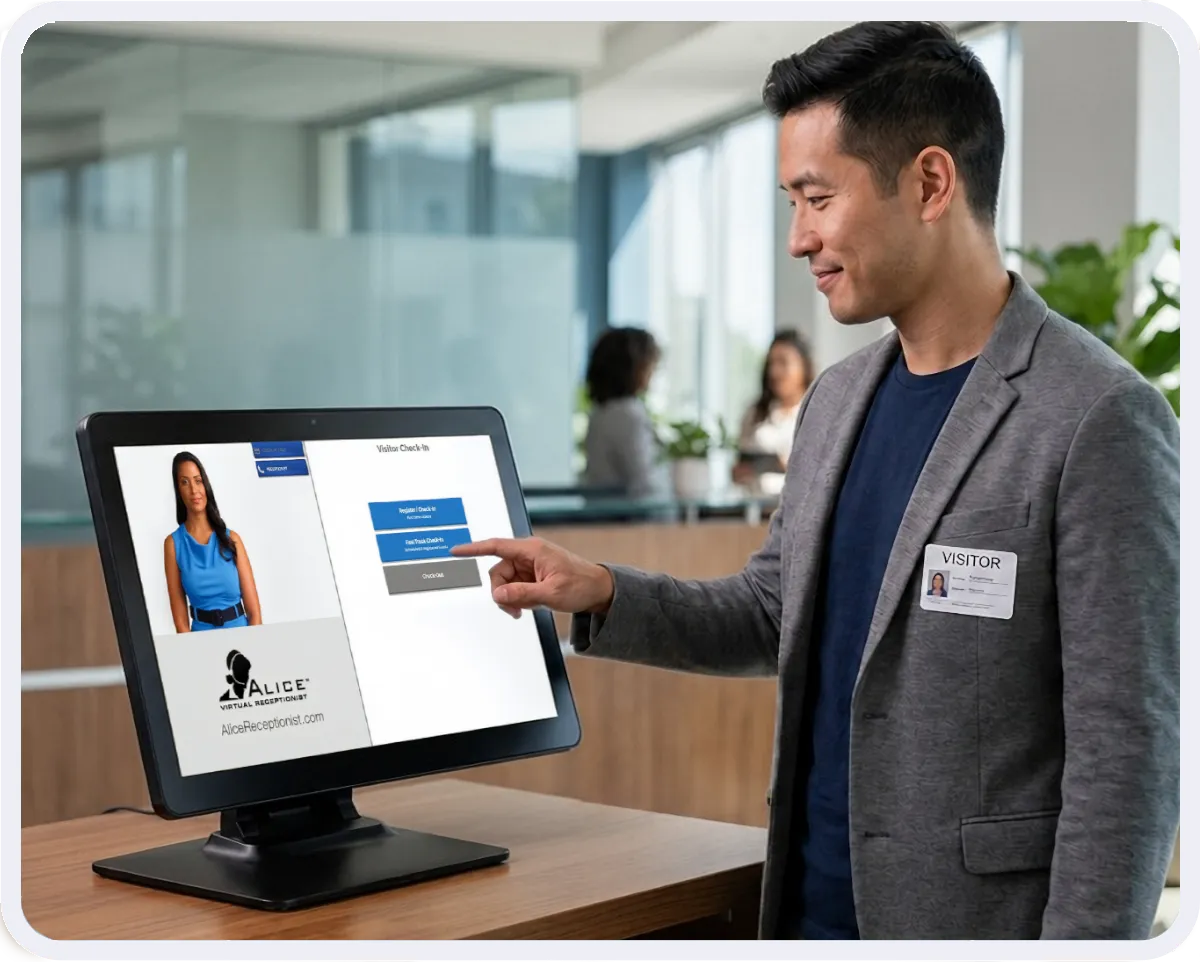
Printed on the spot, visitor badges give everyone in the building a fast, visual way to tell a registered guest from someone who wandered in off the street.
Guests find their own way once they’re inside
In larger buildings or multi-building campuses, on-screen maps or directories mean a visitor doesn’t have to interrupt three different employees just to find their destination.
The system meets guests in their own language
Greetings, instructions, and prompts can appear in more than one language. Some systems go a step further, connecting a guest directly to a live interpreter.
Every visit becomes a record instead of a memory
Check-ins and check-outs log automatically, which means the question “who was here on the 14th” has an actual answer instead of a shrug.
Why Organizations Adopt a Visitor Management System
It saves time and cuts cost
Staffing a front desk well is harder than it looks. The role is hard to keep filled, hard to train consistently, and expensive year after year in a way that compounds quietly. A visitor management system takes over the repetitive parts of that job: check-in, notification, logging. That frees staff to spend their time on work that actually requires a person’s judgment. Most organizations weigh this trade-off closely, because the math tends to be more favorable than expected.
It boosts security and policy consistency
An empty or loosely run lobby creates real risk. A visitor management system helps enhance security in a few clear ways:
- It creates a time-stamped log of who came in and when. This helps with day-to-day safety and any review after an incident.
- It gives staff one steady way to check ID and screen guests before they go further.
- For regulated fields and government sites, it produces clean, audit-ready records. Legal reviews and in-house safety rules ask for this more and more.
- Integrating door access gives your team remote control over who enters the building.
It sets the tone before anyone says a word
A lobby is often the first physical impression an organization makes. That impression forms in seconds, long before a meeting starts. A system that greets guests immediately, gives them clear next steps, and reflects an organization’s own branding does more work than most people give it credit for. Compare that to an empty desk or a hand-scrawled sign-in sheet, especially when there’s no one there in person to soften the gap. The difference in first impression is stark.
Who Uses Visitor Management Systems
Visitor management stopped being a corporate-office-only tool years ago. Organizations across very different fields rely on it now, each for a reason specific to how they operate.
- Government agencies use it to standardize check-in across many facilities at once, while generating the audit-ready records that public-sector compliance increasingly requires.
- Healthcare facilities use it to manage the constant flow of patients and visitors while keeping the kind of clean, accurate records that safety and regulatory needs demand.
- Professional services firms, including law offices and financial and consulting practices, use it to give clients a consistently polished first impression. It also keeps billable staff from being pulled away from client work just to greet someone in the lobby.
- Manufacturing and enterprise campuses use it to handle higher guest volumes across multiple buildings and shifts.
- Real estate offices use it to screen and direct visitors without needing someone stationed at the front desk full time.
What to Look for in a Visitor Management System
Not every system is built for the same job, and building an effective visitor management process starts with understanding your organization’s size, industry, and security requirements. A few questions worth asking before committing to one:
- Does it link with your Microsoft Azure Active Directory, messaging tools (such as Microsoft Teams and Slack), and door access? Or does it work on its own, cut off from everything else?
- Can it grow with you across more than one site, or is it built for just one?
- Does it offer the level of ID checks and screening your field needs?
- Is reliable help on hand when something breaks? Does setup include real training, not just a manual you read on your own?
- Does it offer a range of hardware, from small tablets to large kiosks, to fit different lobby sizes and guest counts?
The Bottom Line
A visitor management system swaps out guesswork, paper logs, and a front desk you can’t count on. In their place, you get one steady, tracked process for every guest who walks in the door. Past just recording a name, a well-built system greets visitors, checks ID, alerts the right person right away, and gives each guest a clear, polished start to their visit.
ALICE Receptionist has been awarded Visitor Management Champion from SoftwareReviews 3 years as well as the SourceForge and Slashdot Top Performer award since 2023. It holds a 4.5-star rating on Capterra and reports a 96% customer renewal rate. These numbers point to the kind of long-term trust that companies look for when they pick a system to run their front desk.

Book a Demo
See what your front desk looks like without a full-time receptionist.
ALICE Receptionist handles the complete lobby experience automatically: visitor check-in, badge printing, host notification, and two-way communication with staff. A demo shows you exactly how it would work in your lobby.
Book a demo and compare what a platform costs against what a payroll costs.
Frequently Asked Questions
What is a visitor management system?
A visitor management system is software that checks in, tracks, and communicates with guests on its own, usually through a kiosk, tablet, or screen. It replaces a paper sign-in sheet or a staffed front desk with a digital record you can search. It comes with capabilities like identity verification, host notifications, and badge printing.
What is the difference between a visitor management system and a sign-in sheet?
A sign-in sheet only records a name. A visitor management system handles the entire visit: it verifies identity, notifies the host, prints a badge, and builds a searchable digital record of arrival and departure.
Is a visitor management system only for large companies?
No. Organizations of nearly any size use one, from a single small office to a multi-site government agency or manufacturing campus. The right system scales to fit guest volume and compliance needs rather than company size alone.
Can a visitor management system replace a receptionist entirely?
It depends on the organization. Many use a visitor management system to support a receptionist during busy periods. Others use it to cover the front desk entirely, particularly after hours or across locations where staffing every lobby isn’t realistic.
Does a visitor management system support multiple languages?
Many systems, including ALICE, greet and guide guests in more than one language. Some also connect guests to a live interpreter when they need extra help.
What industries benefit most from visitor management systems?
Government, healthcare, professional services, manufacturing, and enterprise organizations see the most benefit. That’s largely because they combine high guest volume with real compliance or security requirements that a paper process can’t satisfy.